EPOS open source CLI
The EPOS open source CLI (epos-opensource) is the primary way to deploy, configure, and manage EPOS Platform environments.
What's New in v2.0.0
Starting from v2.x, environment management is config-driven:
- Docker uses YAML config (
docker-config.yaml) rendered into.envanddocker-compose.yaml. - K8s uses an embedded Helm chart with values from
k8s-config.yaml. - Both command groups support
export,render, andgetworkflows.
Updating to v2.0.0 resets the CLI local database.
Previously deployed environments will no longer appear in CLI lists after the update, even if Docker containers or Kubernetes resources still exist. Clean old resources manually with Docker or kubectl if needed.
Core Concepts
Environments
An environment is an isolated EPOS Platform instance identified by a name (for example my-epos-platform).
- For Docker, the CLI tracks environments in local SQLite state.
- For K8s, the CLI discovers environments from Helm releases in your cluster/context.
Config-First Workflow
Use this workflow when you want to customize an environment before deployment:
# 1) Export default templates
epos-opensource docker export ./my-config
epos-opensource k8s export ./my-config

# 2) Edit generated files
# - ./my-config/docker-config.yaml
# - ./my-config/k8s-config.yaml

# 3) Render files locally for review (optional)
epos-opensource docker render my-docker --config ./my-config/docker-config.yaml --output ./rendered/docker
epos-opensource k8s render my-k8s --config ./my-config/k8s-config.yaml --output ./rendered/k8s

# 4) Deploy using your config
epos-opensource docker deploy my-docker --config ./my-config/docker-config.yaml
epos-opensource k8s deploy my-k8s --config ./my-config/k8s-config.yaml

# 5) Inspect currently applied config
epos-opensource docker get my-docker --output ./applied-docker-config.yaml
epos-opensource k8s get my-k8s --output ./applied-k8s-config.yaml
Getting Help
The CLI has built-in help for every command:
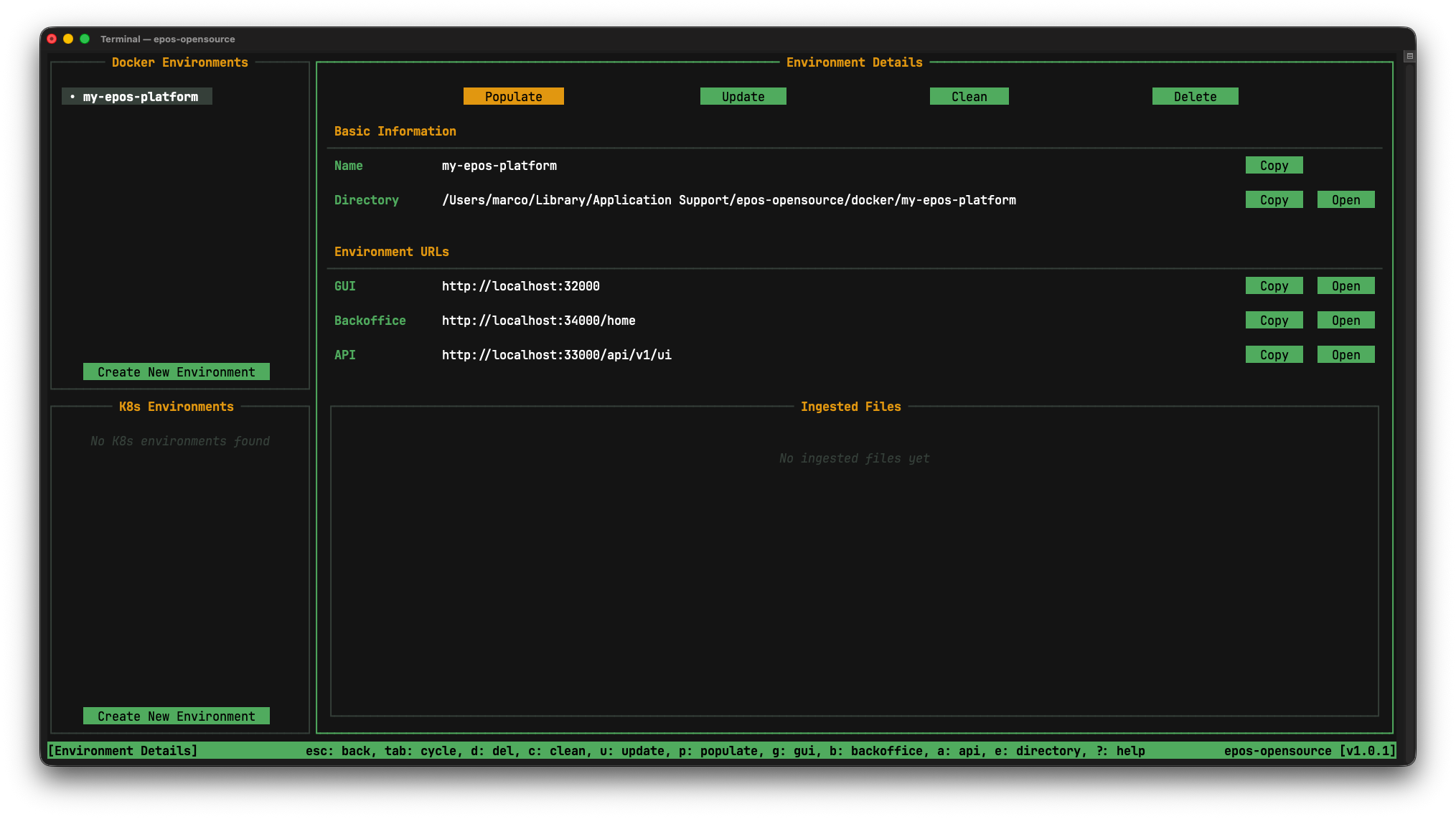
epos-opensource              # Launch interactive TUI
epos-opensource --help       # Root help
epos-opensource docker --help
epos-opensource k8s --help
epos-opensource init-config --help
epos-opensource update --help
For TUI-specific behavior and keyboard navigation, see Terminal User Interface (TUI).
Installation
Installation Script (Linux/macOS/WSL)
curl -fsSL https://raw.githubusercontent.com/EPOS-ERIC/epos-opensource/main/install.sh | bash
Inspect scripts before running them. You can review the installer source code here.
Pre-built Binaries (Windows, Linux, macOS)
-
Download the appropriate binary from the releases page.
-
Make it executable and place it in your
PATH(Linux/macOS example):chmod +x epos-opensource-{your-version}
mv epos-opensource-{your-version} /usr/local/bin/epos-opensource -
On Windows, place
epos-opensource.exein a folder included in yourPathenvironment variable.
Build from Source
If you have Go installed (version 1.26 or later):
go install github.com/EPOS-ERIC/epos-opensource@latest
Verify Installation
epos-opensource --version
Updating the CLI
epos-opensource update
The updater prompts before major upgrades and links to release notes.
Next Steps
- Managing Docker Deployments
- Managing Kubernetes Deployments
- Enable Backoffice with a Custom Docker Config
- Terminal User Interface (TUI)
- Troubleshooting
Reporting Issues
If you encounter issues, open an issue on GitHub:
Troubleshooting
For solutions to common issues, please refer to the Troubleshooting page.